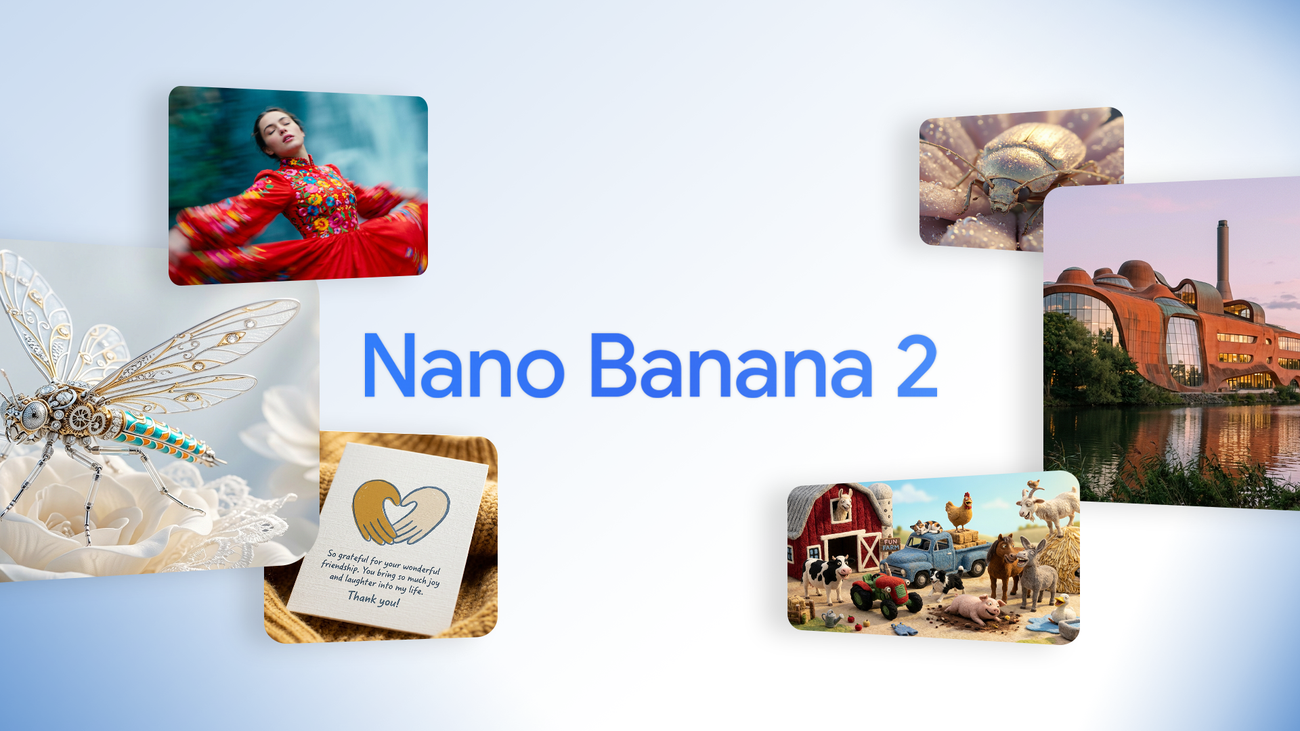
Google just pushed its image stack forward with Nano Banana 2, officially known as Gemini 3.1 Flash Image.
It’s a high-speed, production-grade image model built to generate, edit, and scale studio-quality visuals with more control and consistency.
This release isn’t about novelty AI art. It’s about operational creative speed. Faster generation. Better multi-subject stability.
Stronger lighting realism. Sharper text rendering. The update positions Nano Banana 2 as a serious tool for campaigns, product visuals, and scalable brand systems.
For creators, marketers, and AI-native teams, the shift is clear: image generation is moving from experimentation to infrastructure.
️▪️ High-fidelity Flash speed for near-instant studio-quality output
▪️ Advanced subject consistency across multiple characters and objects
▪️ Stronger control over complex prompts
▪️ Cinematic lighting with detailed skin realism
▪️ Emotionally expressive facial rendering
▪️ High-resolution output for commercial workflows
▪️ Improved in-image text rendering
▪️ Visuals ready for UGC and paid media use
The practical takeaway: Nano Banana 2 handles complexity better. Scenes feel cohesive. Lighting looks intentional. Text inside images works more reliably. That makes it viable for real production pipelines.
Most users still think in terms of “one prompt, one image.” That mindset limits what this model can do.
Nano Banana 2 performs best when you define a consistent visual foundation first. Instead of chasing isolated outputs, you lock in tone, lighting, lens perspective, texture, and palette, then generate controlled variations around that system.
Keep it simple and strategic.
▪️ Define your visual identity before generating
▪️ Use structured prompts instead of loose descriptions
▪️ Generate batches, then refine the strongest outputs
▪️ Use improved text rendering for ad and social mockups
▪️ Think in campaigns and systems, not single images
The goal isn’t perfection on the first try. It’s rapid iteration with control.
Here’s a streamlined workflow people are using:
▪️ Brainstorm positioning with AI writing tools
▪️ Define your visual system
▪️ Generate multiple fast variations
▪️ Select the strongest options
▪️ Refine with micro-adjustments
▪️ Repurpose across platforms
|